
It plans, you confirm
It reads your website and profile, proposes who to reach and what to say, and asks a few questions with an answer already picked.
 Kerux
Ready to use
SendsparkA personalized video for each contact.ClayEnrich contacts and continue when the data comes back.SlackAlerts when a contact replies or needs you.Every integration runs on the same HTTP steps and listeners, so any tool with an API works.All integrations
One key, the whole API
curl https://www.usekerux.com/api/v1/leads \
  -H "Authorization: Bearer $KERUX_KEY"
API reference
Kerux reads your business, finds people who fit, writes to each one and follows up. You decide what waits for your approval.
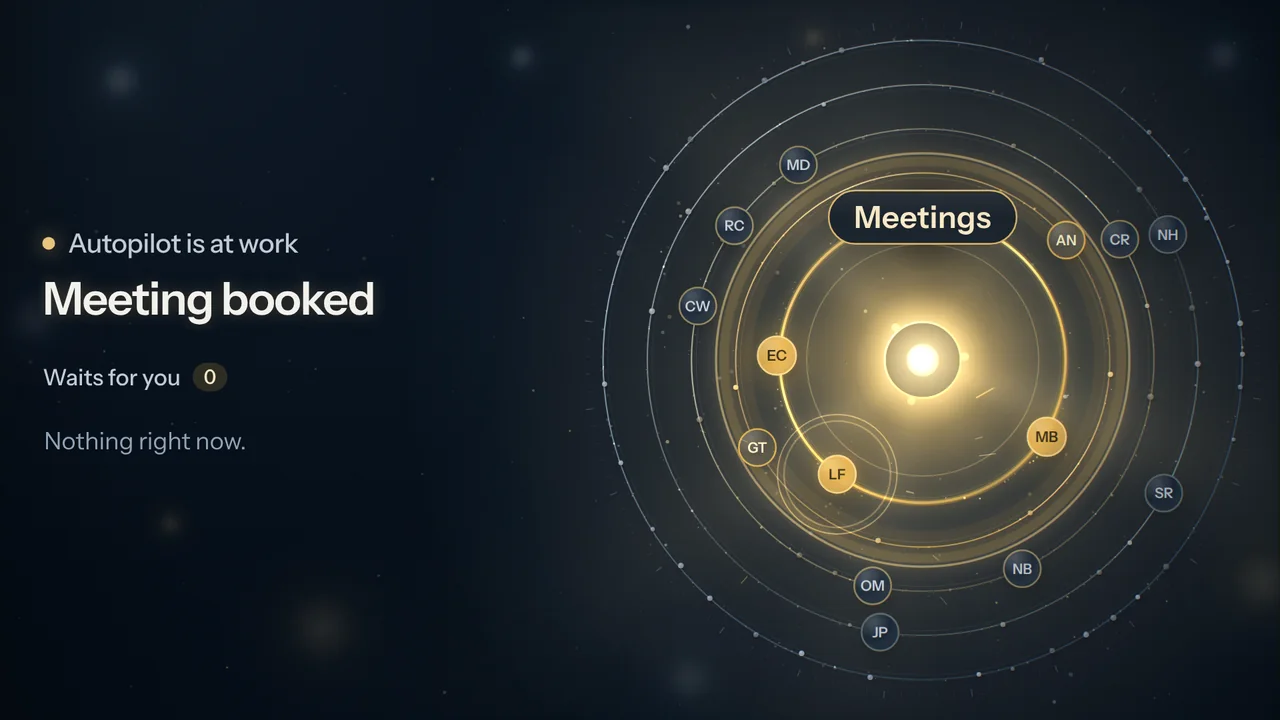
It reads your website and profile, proposes who to reach and what to say, and asks a few questions with an answer already picked.
It checks that each person fits, researches the ones who accept and writes every note, message and follow-up for them.
Its pace follows what each LinkedIn account can do today, so it never sends more than a campaign you built yourself.
A free trial, a call or a reply. It fills in your sign-up or booking link when Kerux already has it.
It compares audiences from your business and shows how many people LinkedIn finds for each.
Careful, Steady or Full. It takes people in, checks them and starts writing.
Until you choose, every text waits for you.
Every note and message waits for you, with Approve all.
Follow-ups go out alone. Notes and first messages wait for you.
Notes and messages go out alone. Every reply waits as a draft in your inbox.
It also answers clear, positive replies. A no, an unsure question or anything unusual waits for you.
Ask why it's slow, get first message ideas or ask for a warmer tone. Nothing changes until you click Apply.
Talk to Autopilot guideEvery action stays inside each LinkedIn account's own limits. Invitations and messages go out only in your working hours.
Is LinkedIn automation safe?Autopilot comes with Pro Plus and Agency Plus. The free trial includes it, within the trial's AI credits.
See pricingA way to run a LinkedIn campaign where Kerux does the work. It reads your website and profile, proposes who to reach, finds those people on LinkedIn, checks that each one fits, writes each invitation note, follows up and answers interested replies with your booking link or asks for a time.
Only what you allow. You pick Approve everything, Review first messages, Replies only or Full Autopilot. Until you choose, every text waits for you, and you can change it later on the campaign's Autopilot tab.
Every action stays inside the account's own limits. The daily pace is a share of what the account can invite today, based on its warm-up, so Autopilot never sends more than a campaign you built yourself could. Invitations and messages go out only in your working hours.
Pro Plus and Agency Plus, with 2,500 more AI credits a month for each paid account. The free trial includes it too, within the trial's AI credits. One LinkedIn account runs one Autopilot at a time.
Yes. Ask Talk to Autopilot for a new first message, a warmer tone or a different audience, and it shows Before and After before anything changes. Its steps are a normal campaign that you can edit in the builder without pausing. Messages already sent are never rewritten or sent again.